
What's New in v1.4
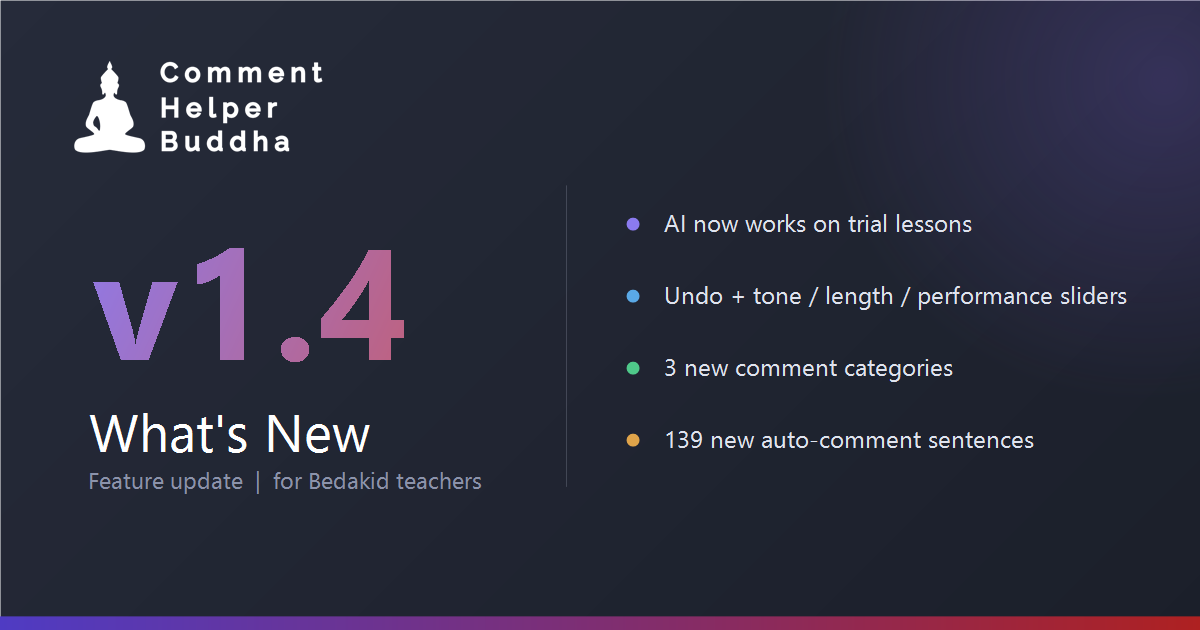
Thank you to everyone who reported problems in the support group — almost everything in this release came straight from your messages. Here is what changed.
AI now works on trial lessons
This was the big one, and it was reported by several of you. On trial lessons the AI button simply did nothing.
The reason: the extension finds the comment box by looking at the student information panel, and a small badge next to the student shifts the whole form down by one row. The old code only recognised the badge that says "new", so on a trial student it looked in the wrong place, found nothing, and the AI button failed silently. It now finds the comment boxes directly, whatever the badge says — new student, trial student, or no badge at all.
Error messages and your prompt counter are visible again
If the AI ever failed, you saw nothing at all. The message was being written to the screen and erased in the same instant, so no one ever read it — including the "N AI prompts left today" warning. Messages now appear properly and fade away on their own.
On the same note: clicking AI with an empty box no longer burns one of your 20 daily prompts on a generic comment. It asks you to jot down a few notes first.
Undo, and a real regenerate
Until now the AI wrote straight over whatever you had typed, and there was no way back if you did not like the result. A small ↩ button now appears next to the AI button after every generation and restores your original text — including anything that was already in the box before you started typing.
Clicking AI a second time now generates a fresh variation from your original notes instead of feeding the AI its own output, and it approaches the comment from a different angle each time. So you can keep clicking until you get one you like, without retyping anything.
Three sliders to steer the AI
Next to the AI button you will now find three sliders. They are continuous, not fixed steps, and your positions are remembered between lessons:
- Serious ↔ Cheerful — the tone of the comment.
- Short ↔ Long — roughly how many sentences you want.
- Needs work ↔ Excellent — how the class actually went.
The third one deserves a note. It changes what gets emphasised — whether the comment leads with the strengths or with the things to work on — but it will not invent anything. The AI is explicitly instructed never to make up activities, achievements or problems you did not mention, and to write less rather than fill the gap. Sliding it to "Excellent" on two words of notes gives you a short honest comment, not invented praise.
The AI knows what you taught
Previously the AI only received the student's name, age and your notes. It now also receives the lesson title and the vocabulary list from the page, so comments refer to what actually happened in class instead of sounding generic. It also uses the correct pronouns for the student.
Three new comment categories
The comment library in the popup now has nine categories instead of six:
- Trial student — first impression, what you covered, and encouraging the parent to continue.
- Progress — milestone reached, finished the book, improvement over time.
- Attendance — frequent absences, cancellations, irregular schedule.
Two more things you asked for directly: Free talk went from 5 comments to 15, and there is now a "Student was late" folder under Special Case — previously only "Teacher was late" existed.
139 new sentences in the auto-generated comments
"5 opcija za free talk su bas malo" — fair enough. Nearly every sentence pool used by the Run button has been expanded. Free talk went from 4 sentences to 14, the greetings from 4 to 10, the intros from 10 to 18, the closings from 9 to 16, and the same treatment was applied to the phonics, story and workbook lessons.
More importantly, two lines that used to be identical in every single comment are now randomised: the lesson line ("We continued the lesson...") and the vocabulary introduction ("The vocabulary words we covered today were:"). Those two were the main reason the comments felt repetitive.
For a single free-talk lesson, the number of possible different comments went from roughly fifty thousand to over a hundred million.
A note on the AI outage
For those who noticed the AI stopped responding for a while — that was not a bug in the extension. The credit on the AI service had run out. It is topped up and running again, and I am keeping a closer eye on it.
Nothing to do on your side
Chrome updates the extension automatically, and the new comments appear on their own once it does. If you want it immediately, open chrome://extensions, enable Developer mode and press Update.
Keep the reports coming in the group — they are what this release was built from.